Vibe Coding Flutter: Build a Mobile App Without Writing Dart (2026)
Key takeaways
- Vibe coding Flutter is possible without learning Dart, using either a no-code builder or a code-first AI tool
- You do not need to learn Dart to build a Flutter app: you can use a no-code builder (FlutterFlow) or a code-first AI tool (Cursor or Claude Code) (No Code MBA, 2026).
- FlutterFlow generates real native Dart for iOS and Android, not a web page in a shell, and can export the code so you are not locked in (FlutterFlow docs, 2026).
- Flutter leads the cross-platform market at 46% versus React Native’s 35%, and the two together are over 80% of new builds (market share data, 2026).
- Publishing has its own cost regardless of tool: Apple $99/yr and Google $25 once, plus 15 to 30% store commission (GroovyWeb, 2026).
- The build tools are cheap to start: FlutterFlow is free, with app-store deploy from $39/mo; Cursor and Claude Code are about $20/mo (No Code MBA / HiveOS, 2026).
- React Native still has more jobs, which matters only if you want a developer role, not if you want to ship your own app (market data, 2026).
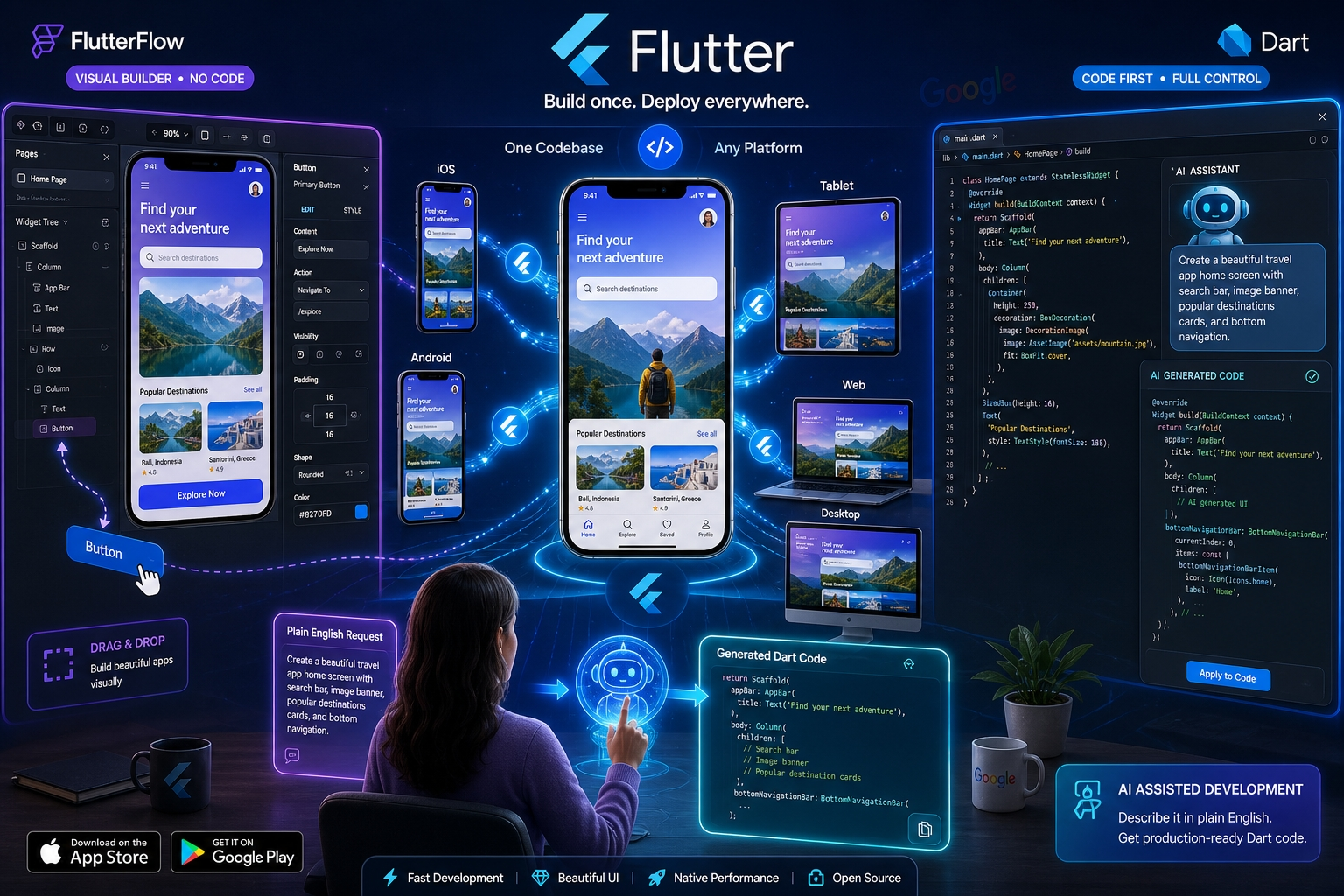
Flutter is Google’s framework for building apps that run on iOS, Android, web and desktop from a single codebase.
Vibe coding it means describing the app you want in plain English and letting AI write the Dart code underneath, while you stay in control.
This tutorial is written for non-developers: no Dart, no computer-science background, and no assumption that you already live in a code editor.
It covers the one decision that shapes everything else, whether Flutter is the right bet, what it really costs, and where beginners come unstuck.
1 What vibe coding Flutter actually means
You describe the app, the AI builds it in Flutter, and you review and refine; you direct the outcome rather than type the code.
Flutter itself is free and open-source, built and maintained by Google.
Its big advantage for a beginner is reach: one codebase compiles to iOS, Android, web and desktop, so you are not building the same app twice.
Vibe coding sits on top of that, using AI to turn plain-English requests into working Flutter screens and logic.
If the whole idea of building software this way is new to you, our complete guide to vibe coding covers the basics before you pick a framework.
2 The big decision: no-code or code-first
There are two real ways for a non-developer to vibe code Flutter, and choosing the right one upfront saves the most time.
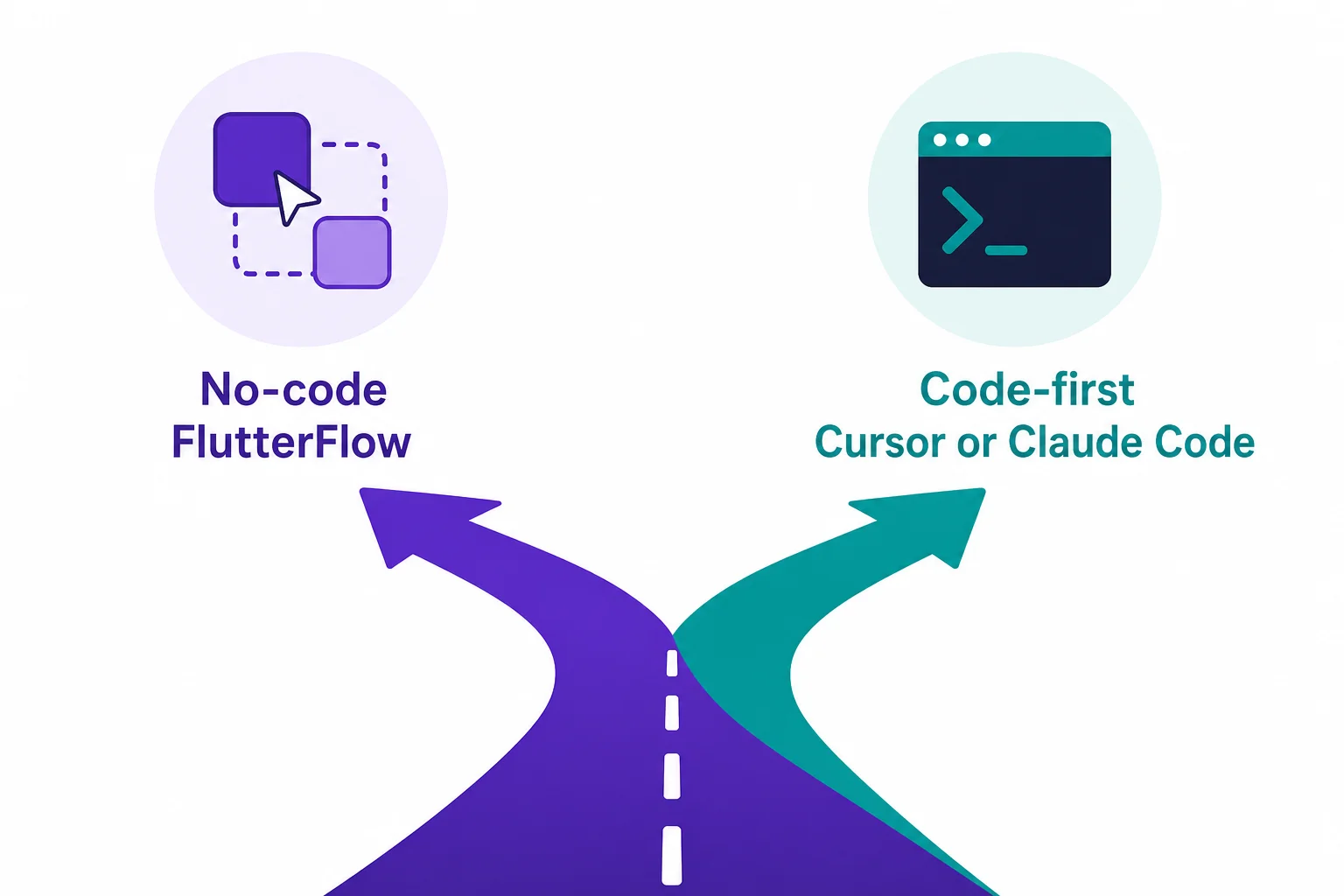
The no-code path means FlutterFlow, a visual builder where you arrange screens and describe features, and it writes the Dart for you.
The code-first path means a tool like Cursor or Claude Code, where you prompt in plain English inside a code editor and the AI edits the project directly.
| Path | Best for | Start cost | Main trade-off |
|---|---|---|---|
| No-code (FlutterFlow) | Seeing screens fast, avoiding a code editor | Free, $39/mo to deploy | Can stall on complex custom logic |
| Code-first (Cursor / Claude Code) | Custom logic and full control | ~$20/mo | Assumes comfort around a code editor |
| Source: No Code MBA and HiveOS, 2026 | |||
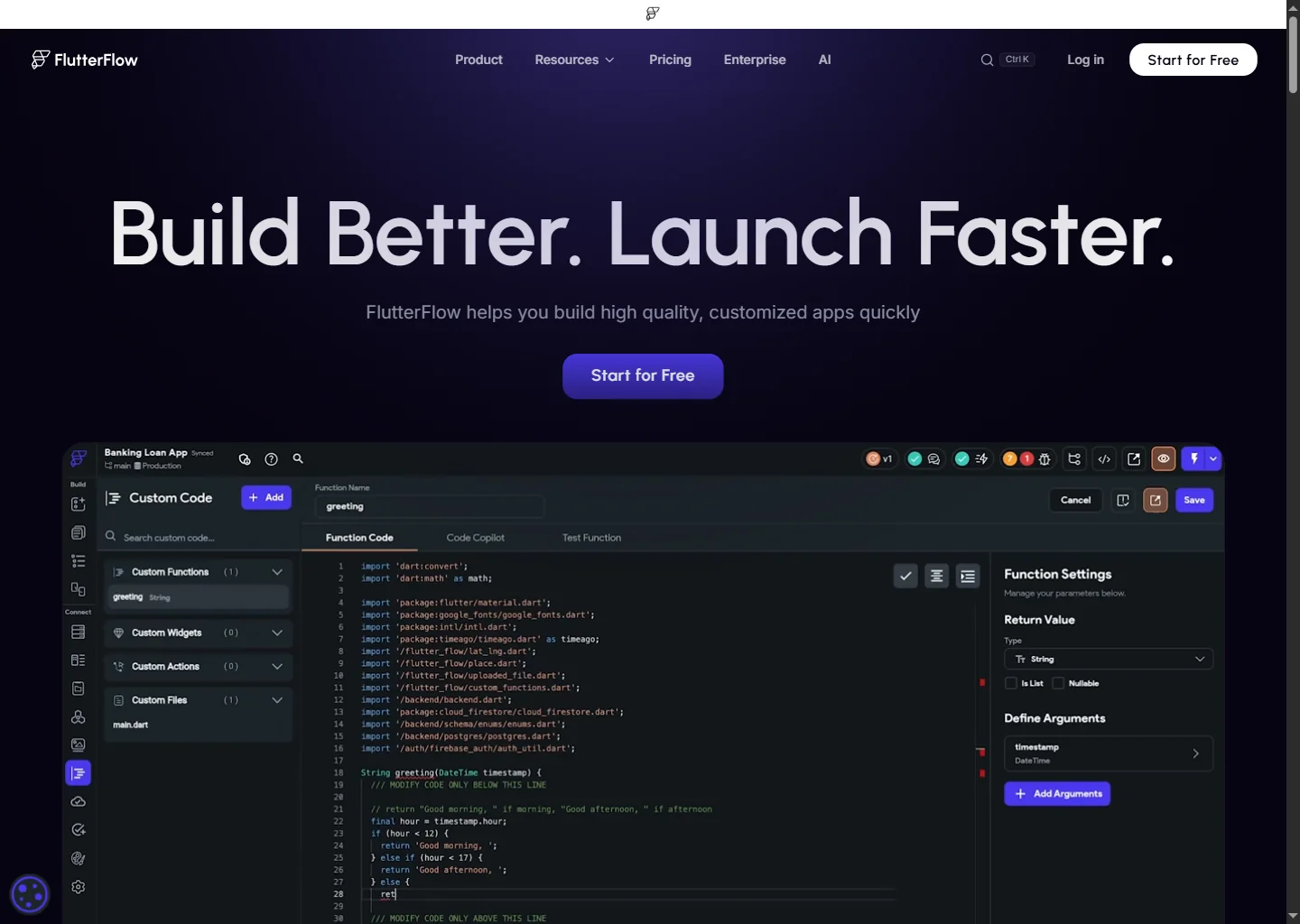
FlutterFlow’s safety valve is that it can export the Dart it generates, so starting no-code does not lock you in if the project outgrows the builder.
If you want to go the code-first route with Claude specifically, our vibe coding with Claude tutorial walks through the workflow step by step.
Still unsure which side of the fork fits your idea? The vibe coding tool finder quiz matches you to a tool in five questions.
3 Is Flutter worth choosing in 2026?
For building your own app, yes: Flutter leads the cross-platform market and ships everywhere from one codebase.
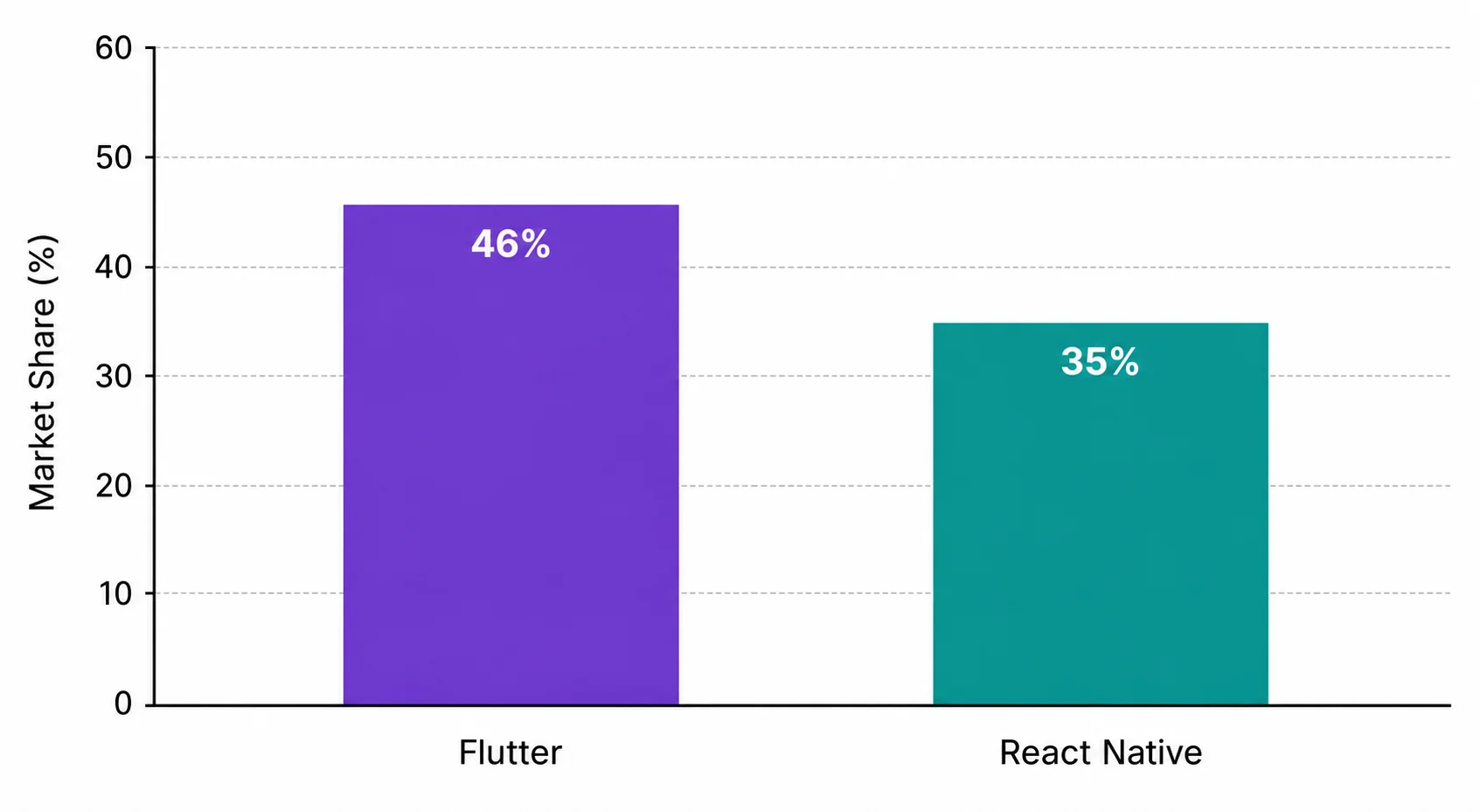
Flutter holds roughly 46% of the cross-platform market against React Native’s 35%, and together the two account for over 80% of new cross-platform development.
The trend has run Flutter’s way since 2023, when React Native still led in search interest by 51% to 29%.
There is one honest caveat worth knowing.
React Native still has more job listings, around 6,800 against Flutter’s 3,200 in the US and Canada, and roughly 1.4 times more developers.
That matters if your goal is to be hired as a developer, but it is irrelevant if your goal is to ship your own product, which is what most vibe coders are doing.
4 What it costs to build and publish
There are two separate costs that beginners often confuse: the build tool, and the app stores themselves.
The build tool
| FlutterFlow plan | Price | What you get |
|---|---|---|
| Free | $0 | Up to 2 projects, web publishing |
| Basic | $39/mo | Code and APK download, app-store deployment |
| Growth | $80/mo | GitHub, real-time collaboration, branching |
| Business | $150/mo | Teams, automated testing, advanced features |
| Source: No Code MBA and FlutterFlow docs, 2026. Annual billing saves about 25%. The code-first tools, Cursor and Claude Code, are about $20/mo. | ||
You can start a FlutterFlow project for nothing, but publishing to the app stores needs at least the $39 a month Basic plan.
The app stores
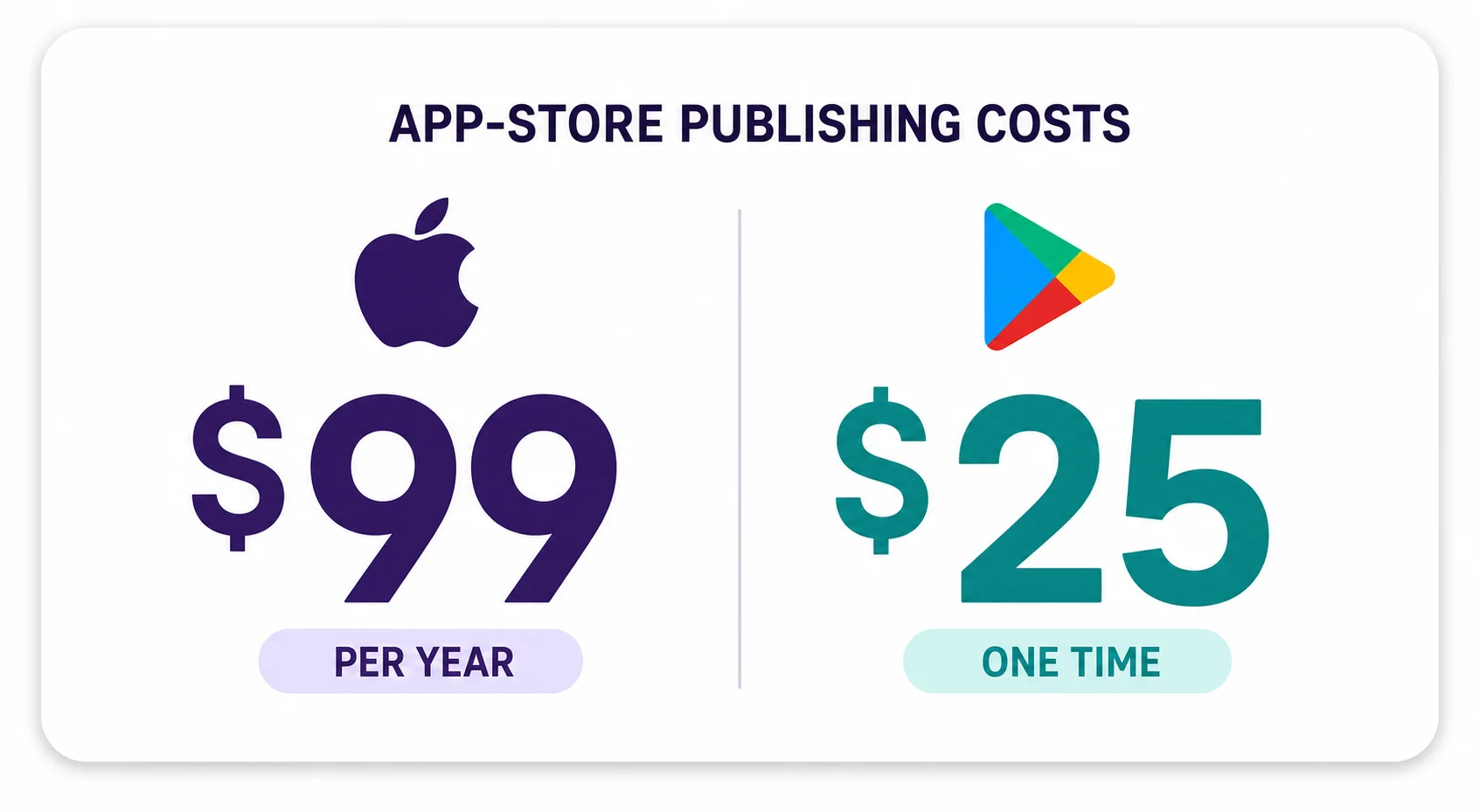
Apple charges $99 a year for a developer account, billed every year you stay published.
Google charges $25 once, and never again, no matter how many apps you publish.
Both stores also take commission on any sales: 15% on the first $1M a year and 30% above that.
5 What goes wrong, and how to avoid it
Two snags catch most beginners: hitting a no-code ceiling, and failing app-store review on the first try.
No-code builders are fast until the app needs genuinely complex custom logic, where they can stall.
This is exactly why FlutterFlow’s code export matters: when you outgrow the visual builder, you take the Dart with you rather than starting over.
The second snag is the app stores themselves, where a first submission can be rejected for issues a beginner would not anticipate.
Above all, set realistic expectations about speed.
The honest picture of how often non-developers actually finish and ship is covered in our breakdown of what the success-rate data actually shows, and the short version is that comprehension and iteration matter more than any tool.
No-code or code-first: which path fits you?
Pick the statement that sounds most like you.
Methodology
This tutorial draws on Flutter’s official documentation, FlutterFlow’s published pricing, current cross-platform market-share data, and reputable breakdowns of app-store costs.
- Sources consulted: 17 across official documentation, market data and quality secondaries
- Sources cited: 10, including Flutter and FlutterFlow primary documentation
- Data range: 2025 to June 2026
- Last verified: 18 June 2026
- Note: pricing and market-share figures change; check the linked sources for the current position
Frequently asked questions
Do I need to learn Dart to vibe code a Flutter app?
No, you have two routes that both write the Dart for you.
A no-code builder like FlutterFlow lets you describe and arrange the app visually, while a code-first tool like Cursor or Claude Code lets you prompt in plain English inside an editor, though that route assumes you are comfortable around code.
No-code or code-first: which should a non-developer pick?
Start with FlutterFlow if you want screens quickly and would rather avoid a code editor, because it generates real Dart and can export it later, so you are not locked in.
Choose Cursor or Claude Code if your app needs heavy custom logic and a more technical environment does not put you off.
Can I build a real native app, or just a web app?
A real native one.
FlutterFlow generates genuine Dart that compiles to native iOS and Android apps rather than a web page wrapped in a shell, and a single Flutter codebase also targets web and desktop.
How much does it cost to publish a Flutter app?
There are two separate costs.
The build tool, where FlutterFlow is free to start with app-store deployment from $39 a month and Cursor or Claude Code are about $20 a month, and the stores, where Apple charges $99 a year and Google charges $25 once, plus 15 to 30% commission on sales.
Is Flutter a good choice in 2026?
Yes for building your own app, because Flutter leads the cross-platform market at about 46% versus React Native’s 35%, it is free and open-source, and one codebase ships to iOS, Android, web and desktop.
React Native has more job listings, which only matters if you want a developer job rather than to ship your own product.
What goes wrong when non-developers vibe code Flutter?
Two recurring snags: no-code builders can stall on complex custom logic, where FlutterFlow’s code-export escape hatch matters, and app-store review can reject a first submission.
Build something small, get it through review once, then add complexity, and you can take the tool comparison if you want to weigh other options first.
Sources & references
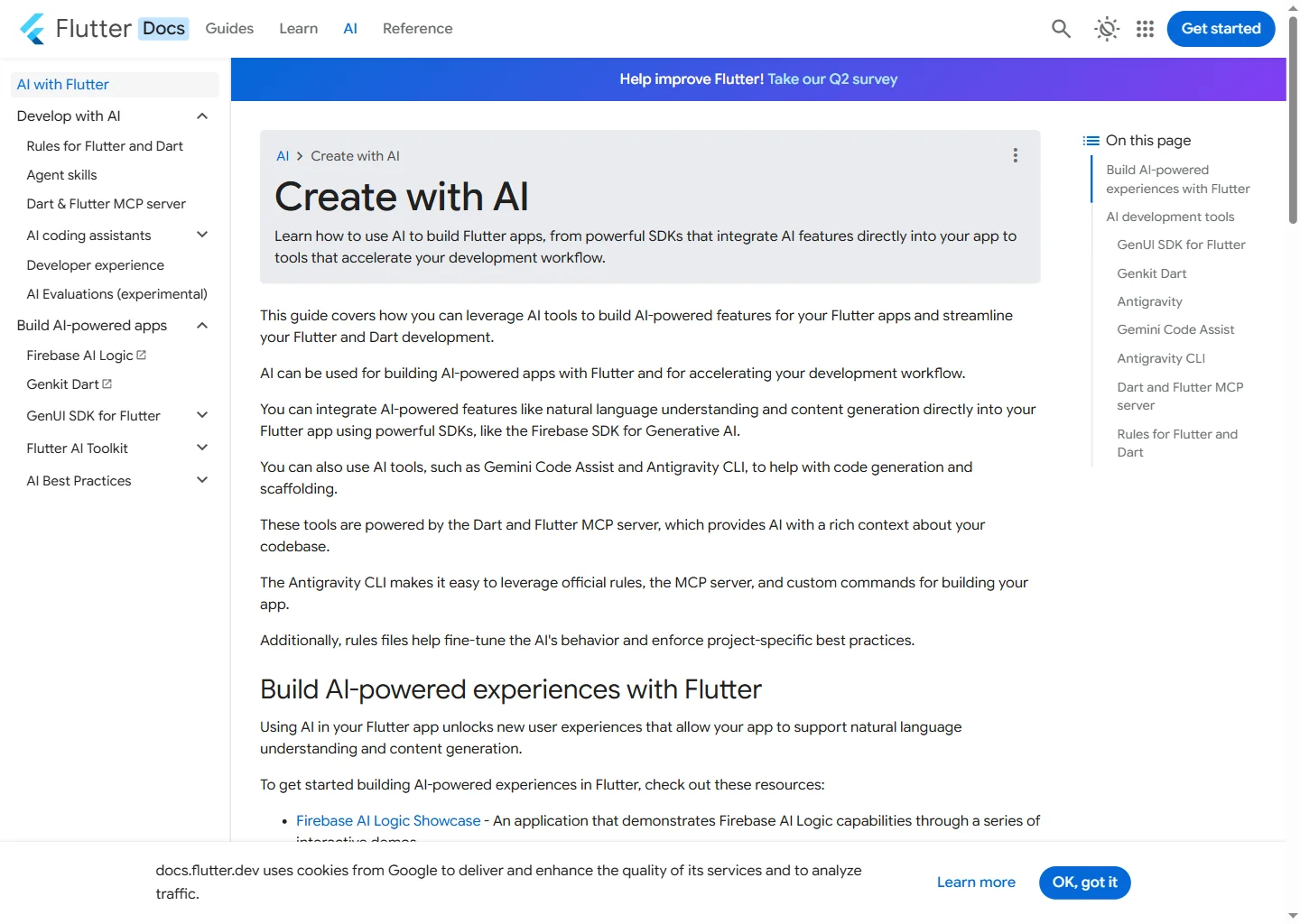
- Flutter. “Create with AI.” docs.flutter.dev. docs.flutter.dev. Accessed 18 June 2026.
- FlutterFlow. “Plans & Pricing.” docs.flutterflow.io. docs.flutterflow.io. Accessed 18 June 2026.
- No Code MBA. “FlutterFlow Guide and Pricing 2026.” nocode.mba. Accessed 18 June 2026.
- Tech Insider. “Flutter vs React Native 2026: 46% vs 35% Market Share.” tech-insider.org. Accessed 18 June 2026.
- GroovyWeb. “How Much Does It Cost to Publish on the App Store? (2026).” groovyweb.co. Accessed 18 June 2026.
- SplitMetrics. “Google Play and App Store Fees.” splitmetrics.com. Accessed 18 June 2026.
- IconikAI. “Google Play Developer Fee 2026.” iconikai.com. Accessed 18 June 2026.
- HiveOS City. “Best AI Coding Tools for Dart (2026).” hiveoscity.com. Accessed 18 June 2026.
- Toolworthy. “FlutterFlow Review 2026.” toolworthy.ai. Accessed 18 June 2026.
- Lowcode Agency. “FlutterFlow Pricing Explained (2026).” lowcode.agency. Accessed 18 June 2026.