Blotato API Key
Does Generating a Blotato API Key End the Free Trial? What Changes Immediately (2026)
Key Findings at a Glance
- Yes — Blotato states that generating an API key ends the free trial immediately and begins the paid subscription. [Source]
- All features except API are available during the free trial, including scheduling and publishing in the web app. [Source]
- 60 trial credits are included for AI image and video generation during the free trial. [Source]
- Warning + confirmation appear before the API key is issued, and the user must confirm before the key is generated. [Source]
- Paying subscribers only — the API Quickstart says API access is limited to paid subscribers to reduce spam and service abuse. [Source]
- Best way to avoid charges — if you want to test the app during the trial without being charged, Blotato says not to generate an API key yet. [Source]
If you are evaluating Blotato for automation, this is the one billing detail you should understand before you touch the API settings. Blotato’s public help documentation is consistent across its Billing & Credits page, its API Quickstart, and its FAQs: generating an API key is the action that moves you from trial usage into a paid subscription.
That means the real question is not whether the trial includes the API. It does not. The practical question is: what can you still do during the trial, and when should you generate the API key on purpose instead of by accident?
Decided Blotato is right for you?
If the trial answered your question, you can move straight onto a plan and keep full API access.
Start with Blotato →Does generating a Blotato API key end the free trial immediately?
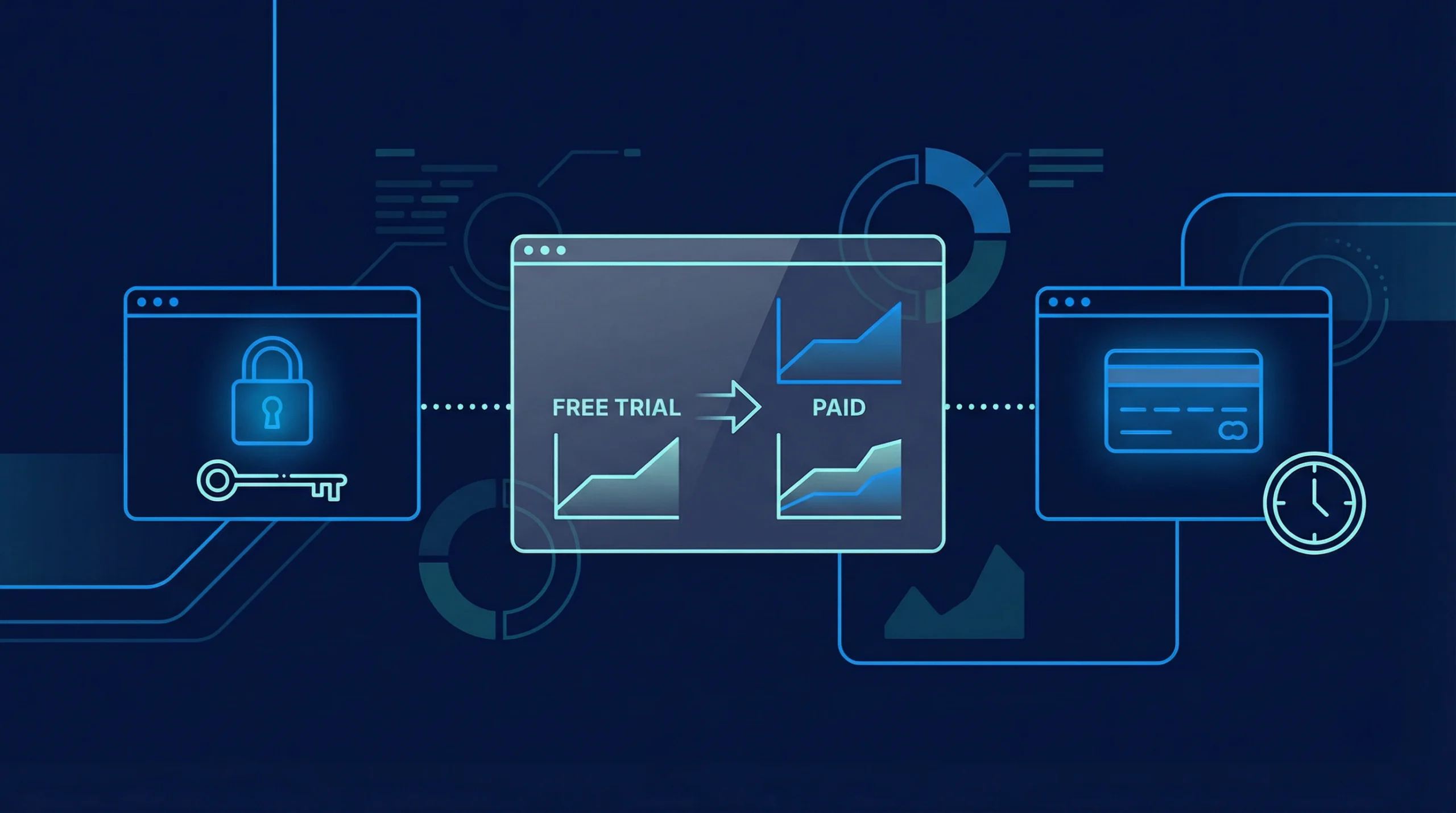
Yes. Blotato says that if you generate an API key, your free trial ends immediately and your paid subscription begins, even if there are still unused trial days remaining. The API Quickstart repeats the same warning in bold, making this one of the clearest billing rules in the product documentation.
| Source | What it says | Why it matters |
|---|---|---|
| Billing & Credits | “If you go to Settings > API and generate an API key, your free trial ends at that moment and your paid subscription begins.” | This is the clearest policy statement and it also adds that the rule applies even if trial days remain. |
| API Quickstart | “IMPORTANT: this will end your free trial immediately and start your paid subscription.” | This confirms the same rule inside the setup flow for new API users. |
| FAQs | “You generated an API key, which activates your paid subscription immediately.” | This shows support is using the same explanation when users ask billing questions. |
| Source set: Billing & Credits, API Quickstart, FAQs | ||
The helpful thing here is that the messaging is not ambiguous. Blotato does not bury the answer in forum comments or third-party reviews. The platform documents the policy directly in its billing help, then repeats it again in the API setup documentation. If you are building automations with API Keys, that consistency reduces confusion and makes the conversion point easy to understand.
“IMPORTANT: this will end your free trial immediately and start your paid subscription.”Blotato API Quickstart — view source
What is included in the free trial before you generate the API key?
Blotato says the free trial includes access to all features except the API. Trial users can add unlimited sources, remix unlimited posts, schedule and publish to connected social accounts in the web app, and use a limited bucket of AI image/video credits.
| Feature area | Free trial status | Source-backed detail |
|---|---|---|
| API access | Not included | Blotato says the free trial includes all features except the API. [Pricing] |
| Sources and remixing | Included | Billing & Credits says trial users can add unlimited sources and remix unlimited posts. [Source] |
| Scheduling and publishing | Included | Blotato says trial users can schedule and publish unlimited posts to social platforms in the web app. [Source] |
| AI image/video credits | Included, but limited | The trial includes 60 credits for AI image and video generation. [Source] |
| Automation with n8n / Make / REST | Requires paid API access | The API Quickstart says the API is limited to paying subscribers. [Source] |
| Primary sources: Pricing and Billing & Credits | ||
This distinction matters because many users assume “free trial” means “test every integration.” That is not how Blotato frames the offer. The trial is best understood as a full product trial of the web app experience, while API-based automation becomes available once you intentionally cross into a paid plan through the API key step. If you are comparing this with the API Quickstart or the broader pricing page, the message stays the same.

What happens the moment you click “Generate API Key”?
The documented sequence is straightforward: Blotato shows a warning, asks for confirmation, issues the API key, and treats that action as the point where the paid subscription begins. From there, the key can be used for n8n, Make.com, Cursor, Claude Code, and REST API workflows.
- You open Settings > API. Blotato’s API setup and API keys documentation point users there to copy the key.
- You see a warning and confirmation popup. Billing & Credits says the platform explains the subscription impact before the key is issued.
- You confirm and the key is generated. At that point, according to Blotato, the free trial ends and the paid subscription begins.
- You can use the key in automation tools. The API Quickstart and API keys page say the key is used for n8n, Make.com, Cursor, Claude Code, and REST API integrations.
That detail removes a lot of accidental-billing confusion. Users often assume they can create credentials first and only start paying when an automation actually runs. Blotato’s wording says otherwise. The billing event is tied to key generation, not to downstream usage volume. If you are mapping your rollout plan, pair the API key setup with your first real automation test so you do not activate paid access earlier than necessary.
“Before the API key is issued, Blotato shows a warning and a confirmation popup explaining this. You must confirm before the key is generated.”Blotato Billing & Credits — view source
How can you test Blotato without accidentally triggering paid billing?
If you want to keep using the free trial without being charged, Blotato’s own recommendation is simple: do not generate an API key yet. Use the web app during the trial, connect accounts, create and schedule content there, and wait to activate the API until you are ready to subscribe.
- Use the web app first. Blotato explicitly says to use the web app if you want to explore the product during the free trial without being charged. [Source]
- Delay automation testing. If your evaluation depends on n8n or Make, plan that test as the step that begins your paid phase instead of treating it like a trial-only experiment.
- Read the API Quickstart before activating. The quickstart page is short, current, and clear about what the API can do and when paid billing begins. [Source]
- Check your account IDs and connected accounts after activation. The API keys page explains that API workflows also need social account IDs and, for Facebook and LinkedIn, page IDs.
In practice, the lowest-friction evaluation path is this: first validate content creation, remixing, and manual scheduling inside the app; then, once you are comfortable with the product, move into API mode. That sequencing fits how Blotato documents the transition between the trial and paid automation use.
What should you check before generating the API key?
Before generating the API key, make sure you are actually ready to start a paid automation workflow. The safest approach is to confirm pricing, know which accounts you want connected, and have your first workflow ready so the activation happens at the right time.
| Checklist item | Why it matters | Where to verify |
|---|---|---|
| Know your plan and price | You should know which subscription you are starting before you activate paid access. | Pricing |
| Understand trial limitations | This prevents the common mistake of assuming API testing is included in the trial. | Billing & Credits |
| Have your first integration picked | Blotato’s docs point to n8n, Make.com, REST, Cursor, and Claude Code as common API destinations. | API keys |
| Connect social accounts | You will need account IDs and sometimes page IDs for publishing workflows. | API keys |
| Keep support docs bookmarked | If billing or activation is unclear, the FAQ and Billing pages already answer the common questions. | FAQs |
| This checklist is compiled from Pricing, Billing & Credits, API Quickstart, and API keys. | ||
For most users, the cleanest mental model is this: the trial is for learning the product, and the API key is the switch into paid automation. Once you treat it that way, the decision becomes easy. Generate the key when you are ready to automate — not earlier, and not just to “look around.”

Quick Answer
Yes. According to Blotato’s help docs, generating an API key ends the free trial immediately, starts the paid subscription, and should only be done when you are ready to use API-based automation.
Methodology
This article was researched and drafted on April 13, 2026 using Blotato’s publicly available first-party documentation. The goal was to answer a single user question using the freshest available source text, with preference given to pages updated within the last two weeks. Where multiple pages made the same claim, the most recent and most explicit wording was used first.
- Sources consulted: 5 first-party pages across pricing, billing, API onboarding, and FAQ content
- Freshness distribution: all cited help pages indicated updates within roughly the last 6-9 days at time of review
- Research date: 2026-04-13
- Primary methodology: direct comparison of pricing, billing, API setup, and FAQ wording for consistency
Frequently Asked Questions
Does generating a Blotato API key end the free trial immediately?
Yes. Blotato’s Billing & Credits page says the free trial ends at that moment and the paid subscription begins, even if there are still trial days left. The same warning appears in the API Quickstart.
Can I keep using Blotato for free if I do not generate the API key?
Yes. Blotato says the free trial includes all features except the API. That means you can still use the web app, work with sources, and schedule or publish through the in-app experience during the trial. See Billing & Credits.
How many credits do I get during the free trial?
Blotato says the free trial includes 60 credits for AI image and video generation. If you want more detail on ongoing credit usage, the AI Video Credits page is the best follow-up reference.
Will Blotato warn me before the API key is created?
Yes. Blotato says it shows a warning and confirmation popup before the API key is issued, and you must confirm before the key is generated. That wording appears on the Billing & Credits page.
Can I try n8n or Make during the free trial without being charged?
Blotato’s documentation says no, not if that test requires API access. If you do not want to be charged during the free trial, Blotato says not to generate an API key yet and to use the web app until you are ready to subscribe.
Ready to commit?
You can start a Blotato plan here and skip the trial guesswork: start with Blotato →.
Building apps, not just scheduling content?
Take our free 5-question quiz to find the right AI build tool for how you work: Find your vibe coding tool →.
New to all this? Start with the complete guide to vibe coding.
Still choosing a tool? See the best AI coding tools for non-developers.
Sources & References
- Blotato. “Pricing.” https://www.blotato.com/pricing. Accessed April 13, 2026.
- Blotato Help. “Billing & Credits.” https://help.blotato.com/settings/billing-and-credits. Accessed April 13, 2026.
- Blotato Help. “API Quickstart.” https://help.blotato.com/api/start. Accessed April 13, 2026.
- Blotato Help. “FAQs.” https://help.blotato.com/support/faqs. Accessed April 13, 2026.
- Blotato Help. “API keys.” https://help.blotato.com/settings/api-keys. Accessed April 13, 2026.
- Blotato Help. “AI Video Credits.” https://help.blotato.com/features/videos/ai-video-credits. Accessed April 13, 2026.